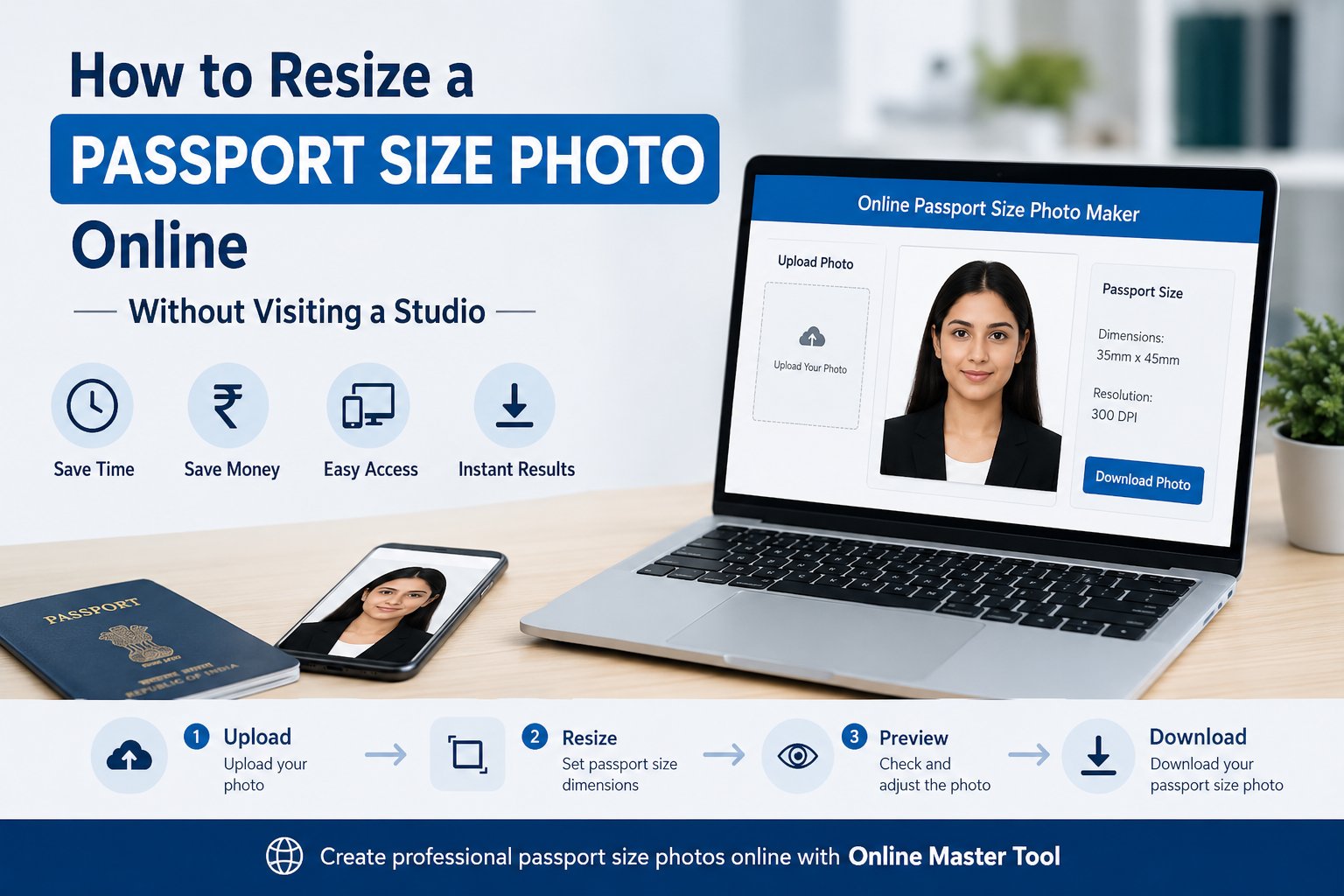
There was a time when getting a passport size photo meant visiting a nearby photo studio, waiting for editing, and paying for printed copies. While this method still exists, most people today prefer faster and more convenient options.
Whether you're applying for a passport, visa, government document, college admission, or job application, you can now create a passport size photo from the comfort of your home. All you need is a clear photograph and a reliable online tool.
With Online Master Tool, creating a passport size photo becomes quick and hassle-free. Instead of traveling to a studio and spending extra money, you can upload your image, adjust the dimensions, and download the final photo within minutes.
In this guide, you'll learn how to resize a passport size photo online, why online tools are becoming more popular, and how Online Master Tool Passport Size Photo Maker can help you create professional-looking passport photos easily.
Why People Are Choosing Online Passport Photo Tools
Digital applications have become a part of everyday life. Most government portals, educational institutions, and companies now accept online submissions. As a result, people often need digital passport photos that meet specific requirements.
Online tools offer several advantages over traditional photo studios.
Save Time
You don't need to travel, wait in line, or schedule a studio visit. A passport photo can be created in just a few minutes.
Save Money
Many people spend unnecessary money on studio services when a simple online solution can do the job effectively.
Easy Access
You can use an online passport photo tool anytime from your smartphone, tablet, or computer.
Instant Results
Once the photo is resized, you can immediately download and upload it wherever needed.
What Is a Passport Size Photo?
A passport size photo is a small photograph used for identity verification in official documents and applications.
These photos are commonly required for:
- Passport applications
- Visa applications
- Government forms
- PAN card applications
- Aadhaar card updates
- Educational admissions
- Scholarship forms
- Job applications
- Competitive exams
Different organizations may have different size requirements, which is why using a reliable passport photo resize tool is important.
How to Resize a Passport Size Photo Online
Creating a passport photo online is easier than most people think.
Step 1: Choose a Clear Photograph
Select a recent image where your face is clearly visible. Avoid blurry, dark, or heavily edited photos.
Step 2: Upload the Image
Open Online Master Tool Passport Photo Maker and upload your chosen image.
Step 3: Adjust the Dimensions
Set the required dimensions according to your application requirements. Most passport photo tools make this process simple and user-friendly.
Step 4: Crop the Photo Properly
Position your face correctly within the frame and remove unnecessary background areas.
Step 5: Download the Final Image
After resizing and reviewing the photo, download the final version and use it for your application.
The entire process usually takes only a few minutes.
Why Use Online Master Tool for Passport Photo Resizing?
There are many online tools available, but choosing the right one can save time and improve results.
User-Friendly Interface
Online Master Tool is designed for users of all experience levels. You don't need any technical knowledge to create a passport-size photo.
Quick Processing
The tool processes images quickly so you can get your resized photo without delays.
Works on All Devices
Whether you're using a mobile phone or desktop computer, Online Master Tool Passport Size Photo Maker works smoothly across devices.
No Software Installation
Everything happens directly through your browser. There's no need to download complicated editing programs.
Convenient and Reliable
You can create a passport size photo online anytime and anywhere.
Tips for Taking a Good Passport Photo
Resizing is important, but the quality of the original photo also matters.
Use Proper Lighting
Natural lighting usually produces the best results. Make sure your face is clearly visible.
Choose a Plain Background
A simple white or light-colored background is generally preferred for official documents.
Look Directly at the Camera
Keep your face straight and maintain a neutral expression unless otherwise specified.
Avoid Heavy Filters
Your photo should accurately represent your current appearance.
Wear Simple Clothing
Avoid distracting patterns or accessories that may affect visibility.
Common Mistakes to Avoid
Many applications get delayed because of photo-related issues.
Using Low-Quality Images
Blurry or pixelated photos may not be accepted.
Incorrect Cropping
Improper framing can result in rejection during verification.
Wrong Dimensions
Always check the required size before uploading your image.
Poor Background Selection
Busy backgrounds can make the photo look unprofessional.
Excessive Editing
Over-edited images may not meet official requirements.
Situations Where You May Need a Passport Size Photo
A passport photo is useful for many purposes, including:
- Passport applications
- Visa processing
- Government documentation
- School and college admissions
- Job applications
- Professional registrations
- Identity cards
- Online examination forms
Having access to a reliable passport size photo online tool can make these tasks much easier.
Benefits of Creating Passport Photos Online
More people are now switching to digital solutions because they offer flexibility and convenience.
Using Online Master Tool allows you to:
- Create passport photos from home
- Save time and travel expenses
- Resize photos instantly
- Prepare images for online applications
- Download digital copies immediately
These benefits make online photo tools a practical choice for students, professionals, and travelers alike.
Final Thoughts
Creating a passport photo no longer requires a visit to a photo studio. Thanks to modern online tools, you can easily create a professional-quality passport photo from your home in just a few simple steps.
Whether you need a photo for a passport application, visa request, government form, educational admission, or job application, Online Master Tool provides a fast and convenient solution. The Online Master Tool Passport Size Photo Maker helps users create and resize image for passport requirements without the need for expensive software or professional editing skills.
If you're looking for an easy way to create a passport size photo online, resize your image accurately, and save valuable time, Online Master Tool is a practical solution that can help you get the job done quickly and efficiently.